
PSD Mockups vs Canva Templates: Which One Should You Use in 2026?
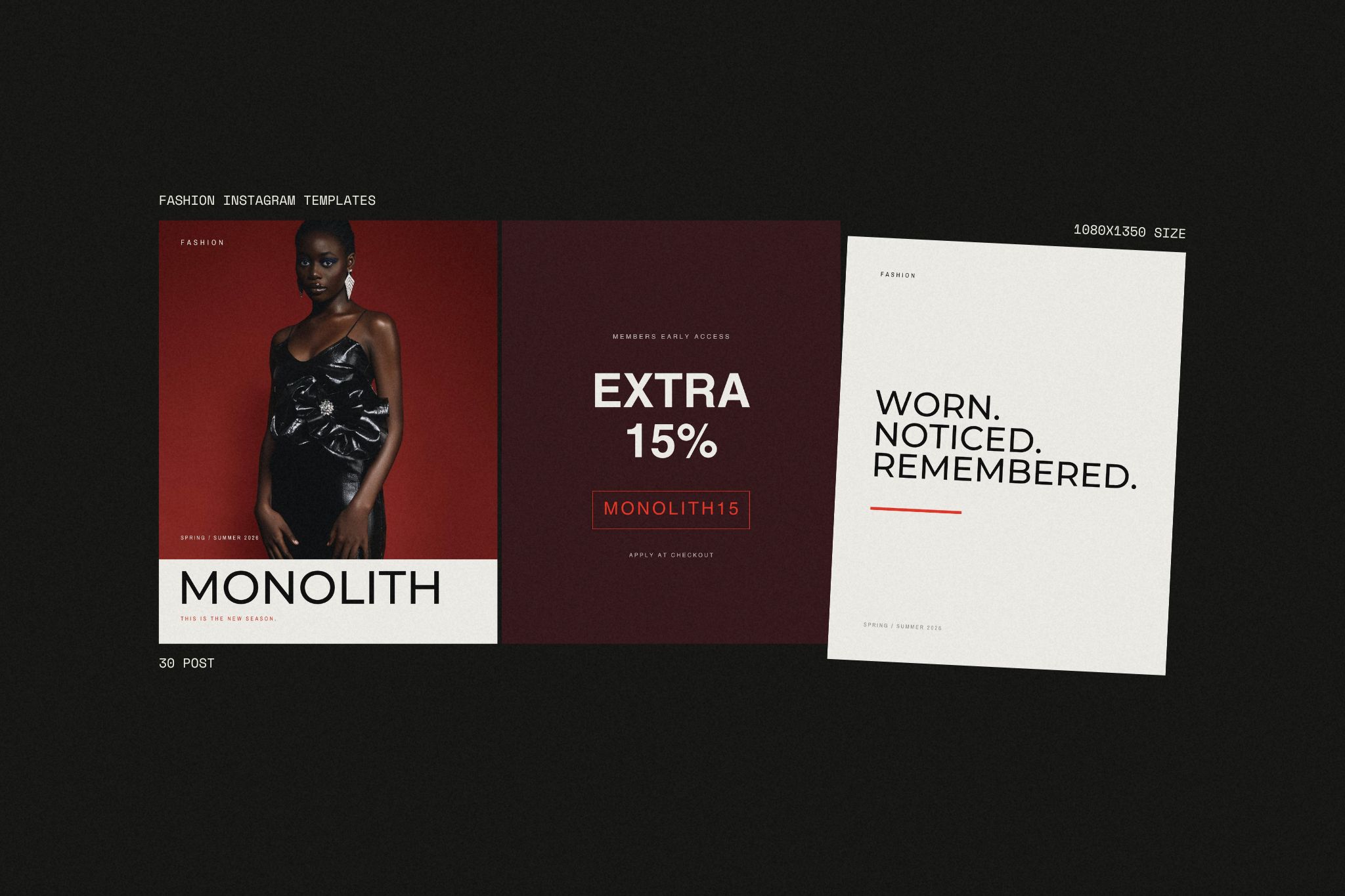
PSD Mockups vs Canva Templates: Which One Should You Use?
Short answer: If you need professional, realistic results and full editing control, choose PSD mockups in Photoshop. If you need to create daily social media posts quickly and easily, choose Canva templates. Many designers and brands use both: PSD mockups for high-impact visuals, Canva for everyday content.
Quick Comparison
| PSD Mockups (Photoshop) | Canva Templates | |
|---|---|---|
| Best for | Professional presentations, product visuals, brand identity | Daily social media posts, stories, quick updates |
| Realism | Very high (lighting, shadows, textures, perspective) | Good, but more limited |
| Editing control | Full control over every layer and effect | Easy edits within the template’s structure |
| Learning curve | Moderate; basic Photoshop knowledge helps | Very low; anyone can start in minutes |
| Speed | Slower setup, premium output | Very fast |
| Ideal user | Designers, agencies, brand studios, e-commerce sellers | Small businesses, freelancers, content creators |
When Should You Use PSD Mockups?
PSD mockups are built for moments when quality matters most. Because they work with layers and smart objects in Photoshop, you control every detail: lighting, shadows, reflections, background color, texture, and how your design wraps around a surface.
Use PSD mockups when you are:
- Presenting a logo or brand identity to a client
- Creating product images for an online store
- Building a portfolio that needs to look premium
- Designing packaging, apparel, or print materials that must look realistic
Professional mockups also offer far wider editing possibilities. You can change the scene, adjust shadows, swap backgrounds, add effects, and reuse the same file for dozens of different projects. One well-made PSD mockup can serve you for years.
When Should You Use Canva Templates?
Canva is built for speed and consistency. If you post on Instagram, TikTok, Pinterest, or LinkedIn every day, you don’t want to open Photoshop for every story. Canva templates let you change text, colors, and photos in minutes, even with no design experience.
Use Canva templates when you are:
- Posting daily or weekly social media content
- Creating stories, carousels, and quick announcements
- Managing a brand’s social media without a designer
- Keeping a consistent look across many posts
The practical logic of Canva is simple: open, edit, publish. That’s exactly what daily content needs.
Can You Use Both Together?
Yes, and this is often the smartest approach. A typical professional workflow looks like this:
- Create your key brand visuals, product shots, and presentations with PSD mockups for maximum quality.
- Use Canva templates to publish daily content quickly, keeping the same brand style.
This way, your “showcase” visuals look premium, while your everyday content stays fast and consistent.
Which One Is Right for You?
- You are a designer or agency? Start with PSD mockups. Your clients expect realistic, polished presentations.
- You are a small business or content creator? Start with Canva templates. Speed and consistency matter more than pixel-level control.
- You do both? Use both. That’s why at Mockupline we offer PSD mockups, Canva templates, and bundles that combine them.
Frequently Asked Questions
Can I make realistic mockups in Canva?
Canva offers basic mockup features, but for realistic lighting, shadows, and texture control, PSD mockups in Photoshop give much better results.
Do I need to be a Photoshop expert to use PSD mockups?
No. Most PSD mockups use smart objects: you double-click, place your design, save, and the mockup updates automatically. Basic Photoshop knowledge is enough.
Are Canva templates good enough for professional brands?
Yes, for daily social media content. For high-impact visuals like product launches or client presentations, PSD mockups are the better choice.
Which is more cost-effective?
It depends on your needs. Canva is ideal if you publish frequently; PSD mockups are a long-term investment because one file can be reused for many projects.
Can I use both in the same brand?
Absolutely. Using PSD mockups for key visuals and Canva for daily posts is one of the most common professional workflows.


